通过CF Worker反代UptimeRobot Status Page实现自定义域名
原由
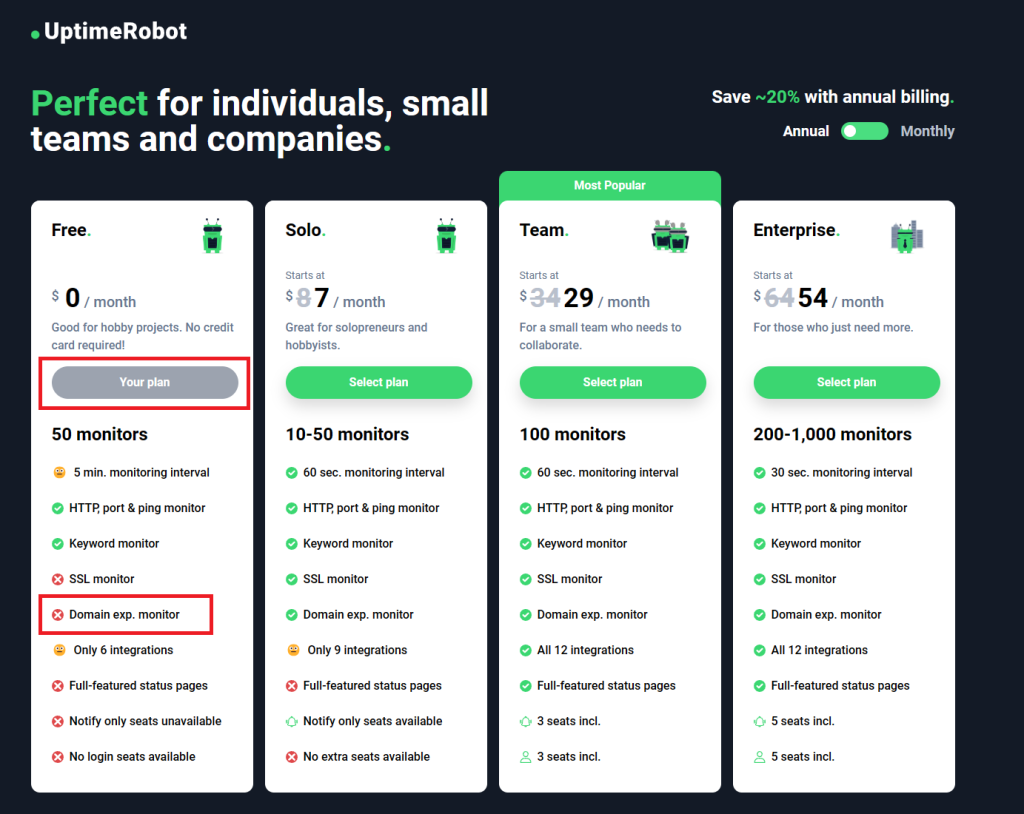
由于UptimeRobot在的2021年4月9日的新规定,导致普通用户无法免费给自己的status页面使用自定义域名了,难道要多花7刀就为了一个自定义域名?花钱是不可能的,这辈子都不可能的(其实是没钱
难道要直接用他给的域名吗?我实在是不想后面带上这个丑到爆的后缀
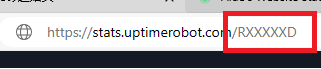
想到以前做过谷歌镜像站,是否可以用同样的道理反代一下status页面?普通反代遇到了一点问题,想到了用cf worker,不仅成功了,没想到效果出奇的好用
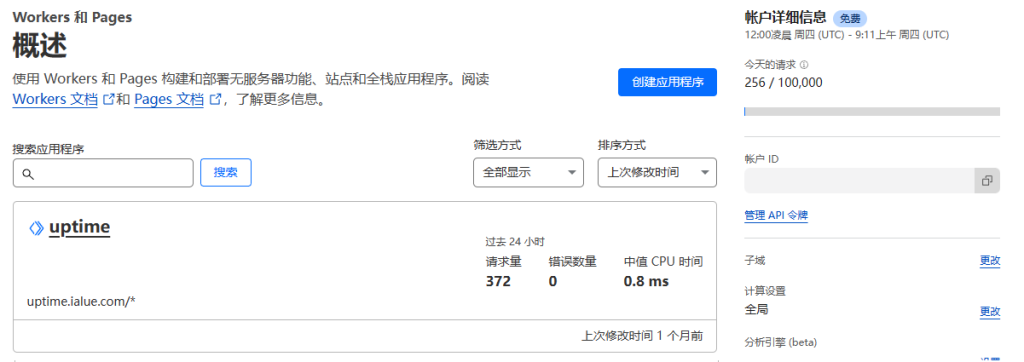
而且用cf无需自备服务器,每日的十万次请求限制也仅需零头,这不就是变相免费吗,又可以快乐起来了
完整代码
2026年7月27日发现,似乎原本代码会卡loading无法加载,于是完善了一下代码,但下面的图我懒得替换了,仅修改了代码,替换位置一样的
// ©alue 未经许可禁止转载
const ID = 'your uptimerobot id';
const HOST = 'stats.uptimerobot.com';
const ORIGIN = `https://${HOST}`;
const PLACEHOLDER = '-h-';
const COUNTER = '59';

const HOME_JS = /^\/build\/assets\/home-[^/]+\.js$/i;
const ASSET = /^\/build\/assets\/[^/]+\.(?:css|js|mjs|woff2?|ttf|otf|png|jpe?g|svg|webp|ico)$/i;
const METHODS = new Set(['GET', 'HEAD', 'POST']);

addEventListener('fetch', event => {
  event.respondWith(proxy(event.request));
});

async function proxy(request) {
  if (!METHODS.has(request.method)) {
    return new Response('Method Not Allowed', {
      status: 405,
      headers: { Allow: 'GET, HEAD, POST' }
    });
  }

  const publicUrl = new URL(request.url);
  const targetUrl = new URL(request.url);

  targetUrl.protocol = 'https:';
  targetUrl.hostname = HOST;
  targetUrl.port = '';

  let path = targetUrl.pathname.replace(`/${PLACEHOLDER}`, `/${ID}`);

  if (path === '/') path = `/${ID}`;
  else if (/^\/\d+(?:\/|$)/.test(path)) path = `/${ID}${path}`;

  targetUrl.pathname = path;

  const requestHeaders = new Headers(request.headers);
  requestHeaders.delete('host');
  requestHeaders.set('referer', `${ORIGIN}/${ID}`);

  if (requestHeaders.has('origin')) {
    requestHeaders.set('origin', ORIGIN);
  }

  const options = {
    method: request.method,
    headers: requestHeaders,
    redirect: 'manual'
  };

  if (!['GET', 'HEAD'].includes(request.method)) {
    options.body = request.body;
  }

  const started = Date.now();

  try {
    const upstream = await fetch(targetUrl.toString(), options);
    const headers = new Headers(upstream.headers);

    headers.set('x-uptimerobot-proxy', '1');
    headers.append('server-timing', `uptimerobot;dur=${Date.now() - started}`);

    rewriteLocation(headers, publicUrl);

    if (HOME_JS.test(publicUrl.pathname)) {
      headers.set('cache-control', 'public, max-age=3600, must-revalidate');
    } else if (ASSET.test(publicUrl.pathname)) {
      headers.set('cache-control', 'public, max-age=31536000, immutable');
    } else if (publicUrl.pathname.startsWith('/api/')) {
      headers.set('cache-control', 'no-store');
    }

    const responseInit = {
      status: upstream.status,
      statusText: upstream.statusText,
      headers
    };

    if (request.method === 'HEAD' || upstream.body === null) {
      return new Response(null, responseInit);
    }

    let body = upstream.body;

    if (HOME_JS.test(publicUrl.pathname)) {
      const source = await upstream.text();
      body = source.split('innerText="59"').join(`innerText="${COUNTER}"`);

      if (body === source) {
        console.warn('UptimeRobot refresh counter not found');
      }

      headers.delete('content-length');
      headers.delete('etag');
    } else {
      const contentType = (headers.get('content-type') || '').toLowerCase();

      if (contentType.includes('text/html')) {
        body = (await upstream.text())
          .split(HOST).join(publicUrl.host)
          .split(ID).join(PLACEHOLDER)
          .replace(
            '<span class="counter">59</span>',
            `<span class="counter">${COUNTER}</span>`
          )
          .replace(`href="/${PLACEHOLDER}"`, 'href="/"')
          .replace(`href='/${PLACEHOLDER}'`, "href='/'");

        headers.set('cache-control', 'no-store');
        headers.delete('content-length');
        headers.delete('etag');
      }
    }

    return new Response(body, responseInit);
  } catch (error) {
    console.error('UptimeRobot proxy error:', error);

    return new Response('Upstream request failed', {
      status: 502,
      headers: {
        'cache-control': 'no-store',
        'x-uptimerobot-proxy': '1'
      }
    });
  }
}

function rewriteLocation(headers, publicUrl) {
  const location = headers.get('location');
  if (!location) return;

  try {
    const url = new URL(location, ORIGIN);
    if (url.hostname !== HOST) return;

    url.protocol = publicUrl.protocol;
    url.host = publicUrl.host;
    url.pathname = url.pathname.split(`/${ID}`).join(`/${PLACEHOLDER}`);

    if (url.pathname === `/${PLACEHOLDER}`) url.pathname = '/';

    headers.set('location', url.toString());
  } catch {}
}
获得uptimerobot id
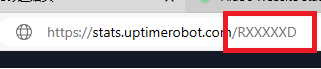
前往 Status Page | UptimeRobot 页面,在你的页面下找到一个小眼睛,并点击
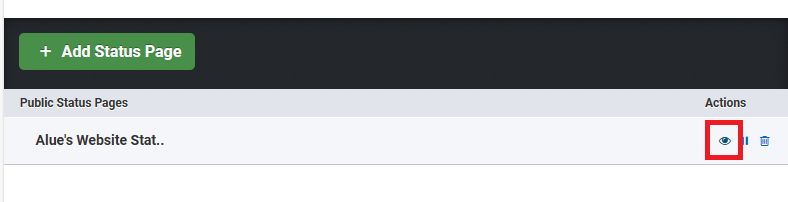
然后查看url,找到后缀的那几个字母,那就是你的uptimerobot id,需要记下来
添加进cf worker
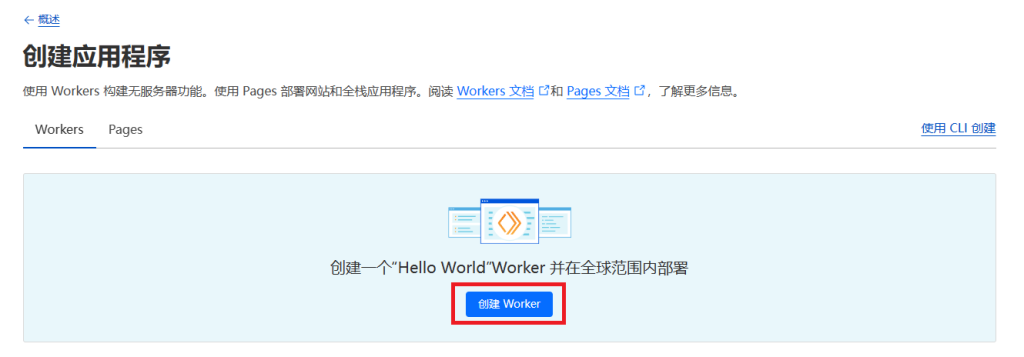
前往cloudflare,找到cf worker页面,选择创建应用程序

直接创建worker
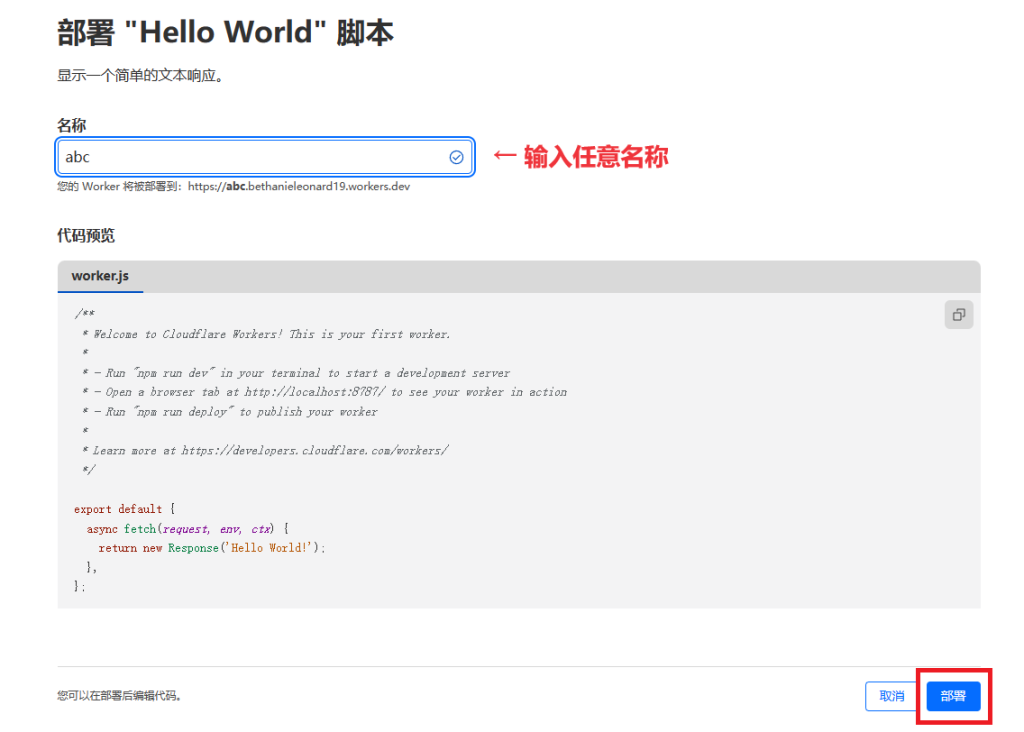
输入任意名称后选择部署
然后选择编辑代码
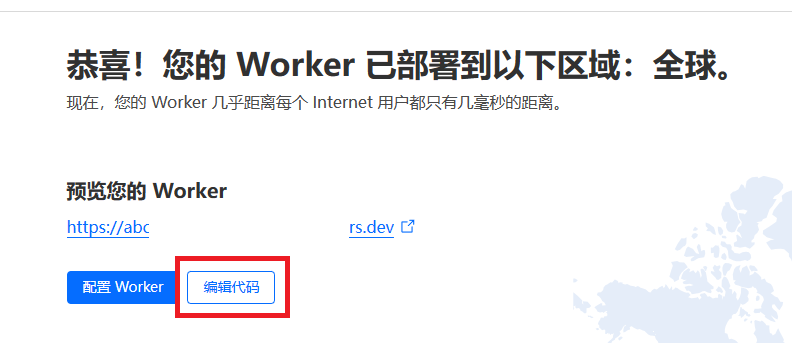
清空里面的所有内容,然后复制刚刚在alist里保存的代码,找到第一行的 uptimerobot_id
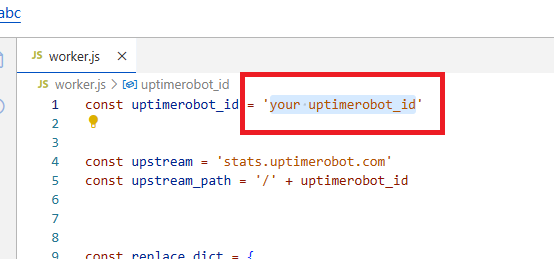
然后把他更改为你自己的id
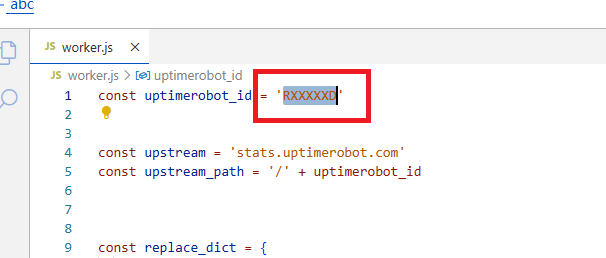
然后选择右上角的保存部署就可以了
使用自定义域名
回到dns界面,随便新建一个dns记录,记得一定要开启cdn

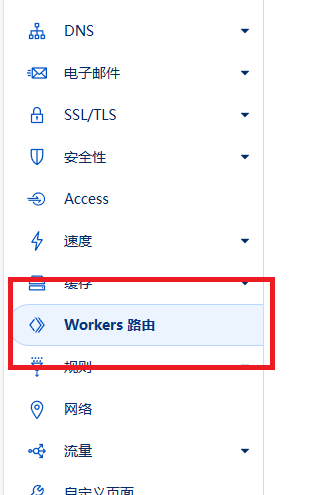
然后左边选择Workers路由
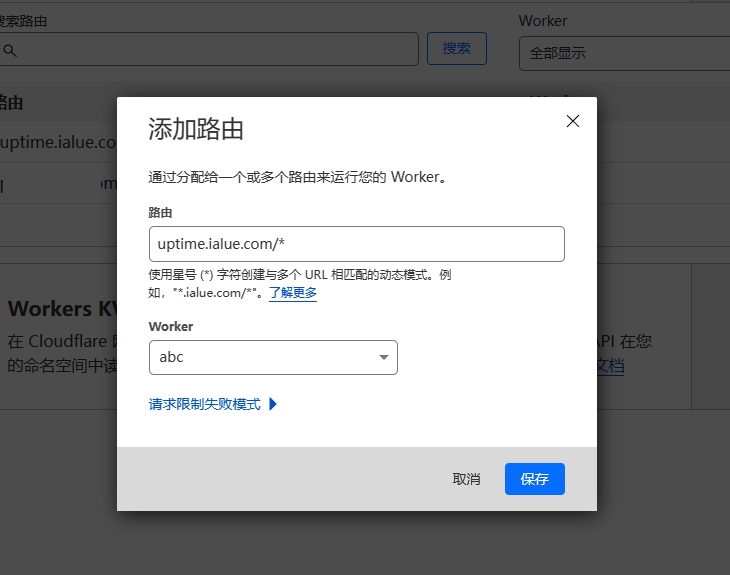
输入分配的域名,记得在域名后面加上/*,选择worker,点击保存
保存之后,查看域名,就能看到status页面了,和原来的页面完全一样
关于cf请求次数
cf给的十万次绰绰有余,我现在上面跑了5个worker和1个page,每天调用才三万多一点,如果单是这个反代uptime,每天撑死也才400次,所以完全不需要担心超量